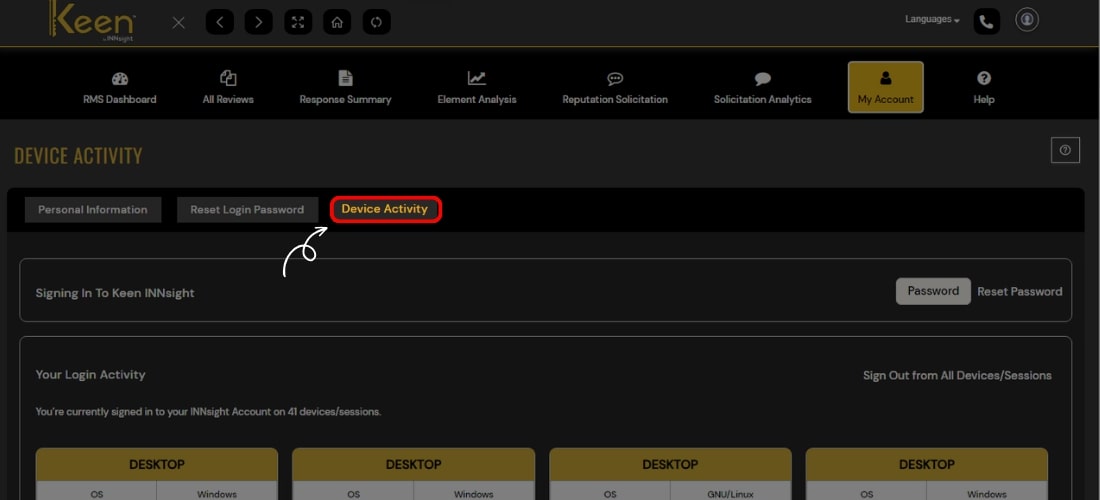
My Account
Update your personal information such as Name, Address, Contact details, etc., reset the old password, and track your Login Activity.
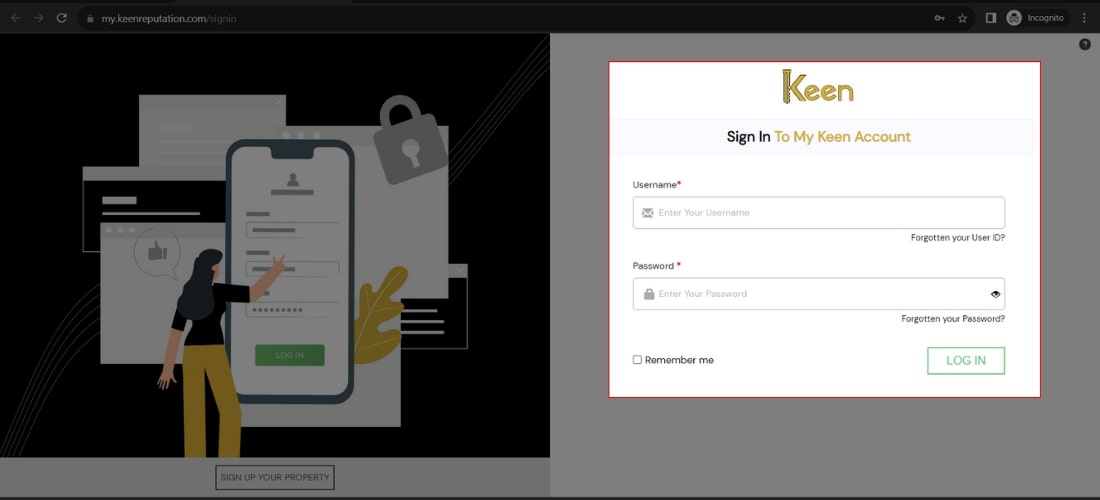
1. Log in to Your Keen™ Reputation Account
Visit the Keen™ Reputation Management website and log in using your account credentials.
Access your dashboard to get started with managing your hotel reviews.
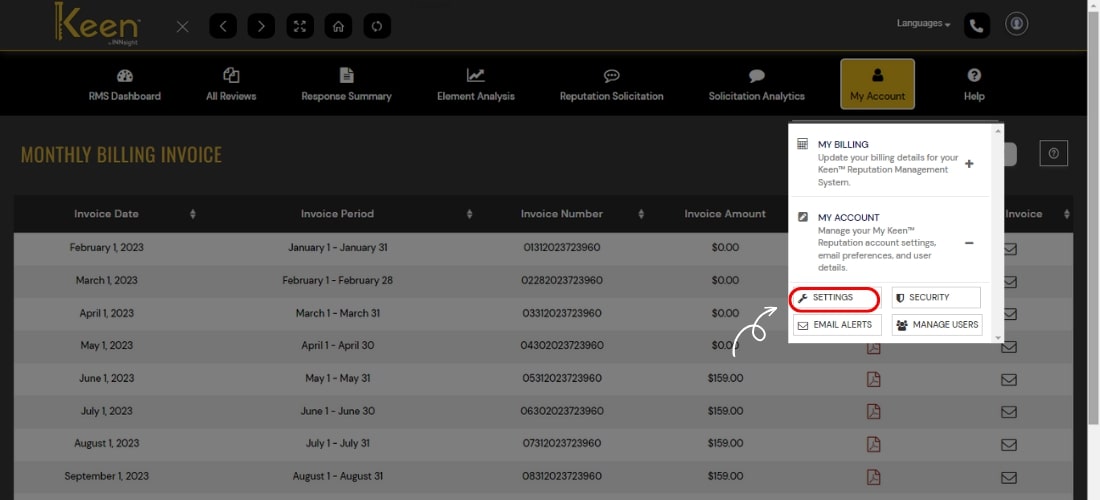
2. Update profile details such as name, address, etc, by selecting the Settings option under the My Account tab.
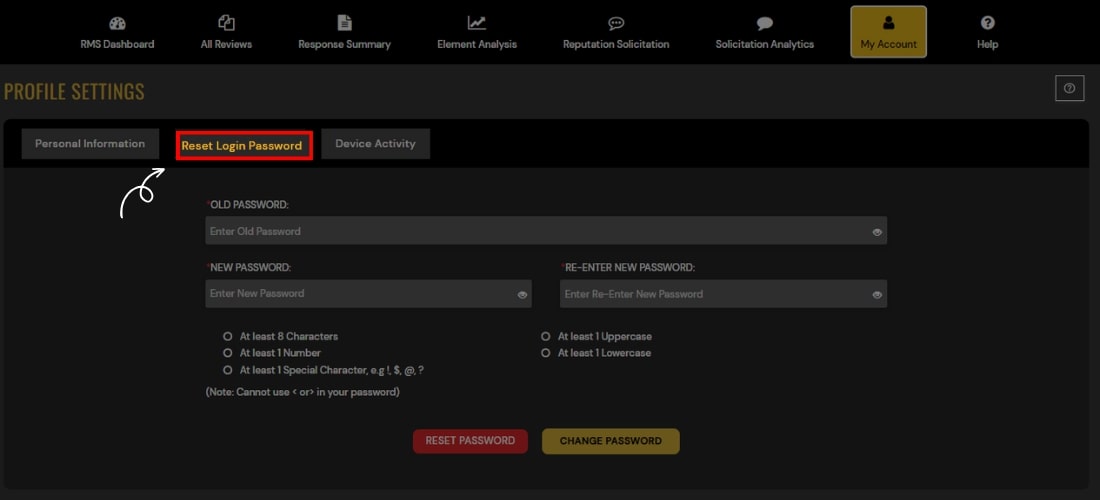
3. Easily reset or change your password with a simple click on the Reset Login Password tab.
4. Track device and login activities effortlessly by clicking on Device Activity for added security and monitoring.