Email Alert
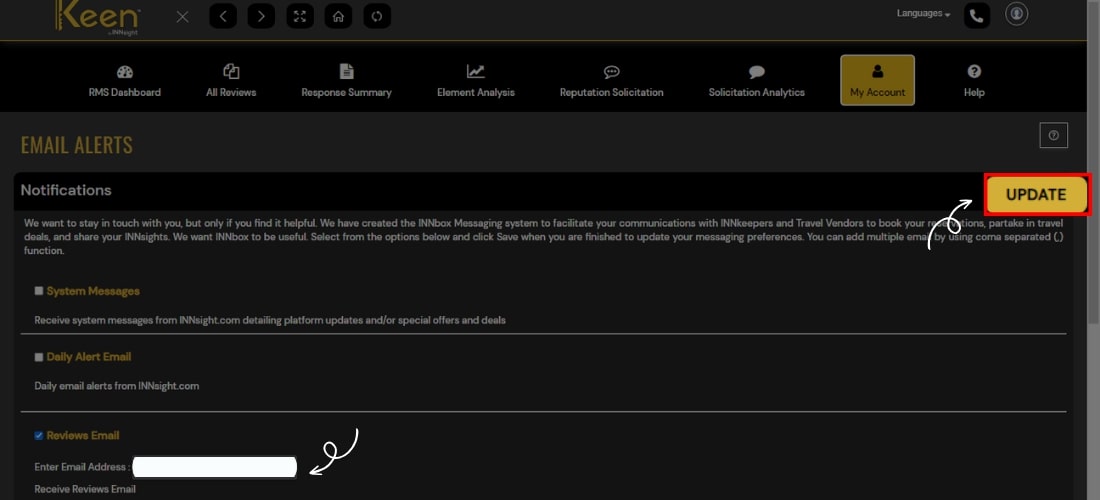
Customize email alerts and stay up-to-date with our latest updates. Edit your email address and choose which notifications you want to receive and how often.
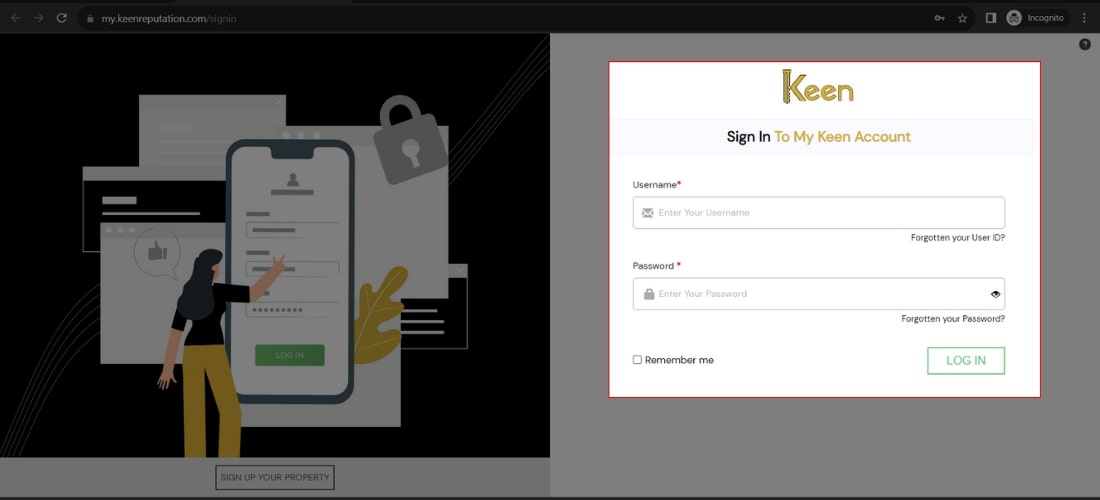
1. Log in to Your Keen™ Reputation Account
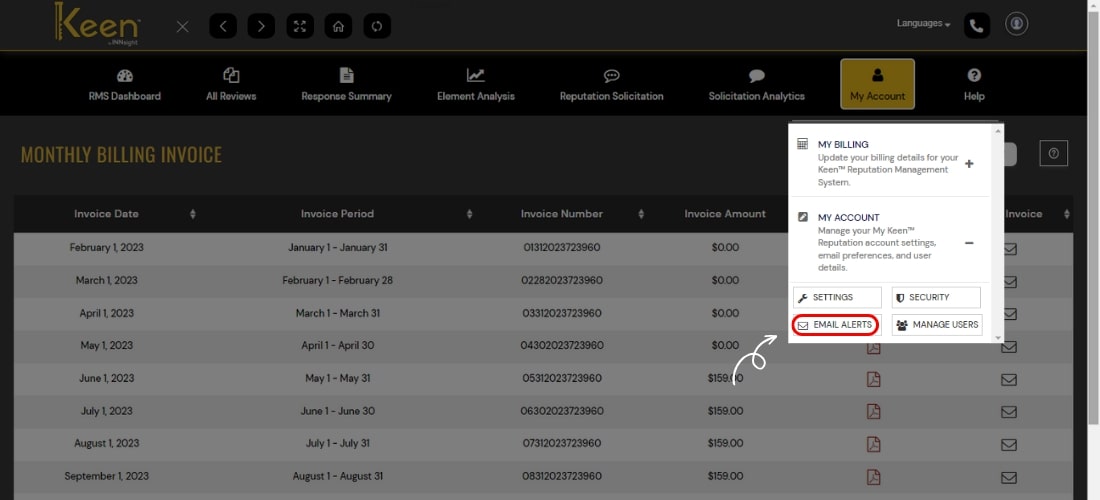
2. Navigate to Email Alert under the My Account section.
3. Click 'Update' on the right corner of your screen to make necessary changes to your daily email alert address, RMS report email address, etc.