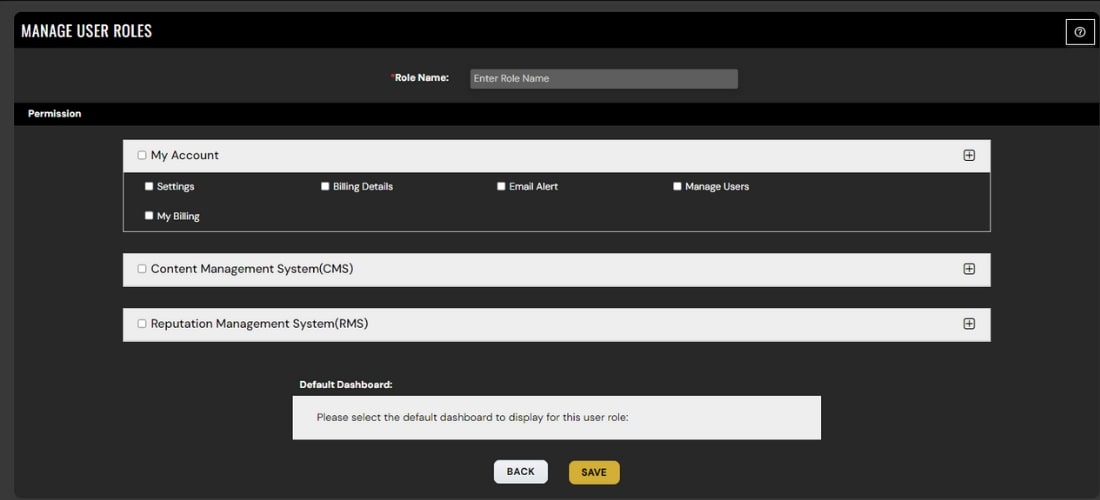
Manage User
Add, edit, or remove your users with ease and keep your user directory updated at your fingertips. You can also change the User Status as and when needed.
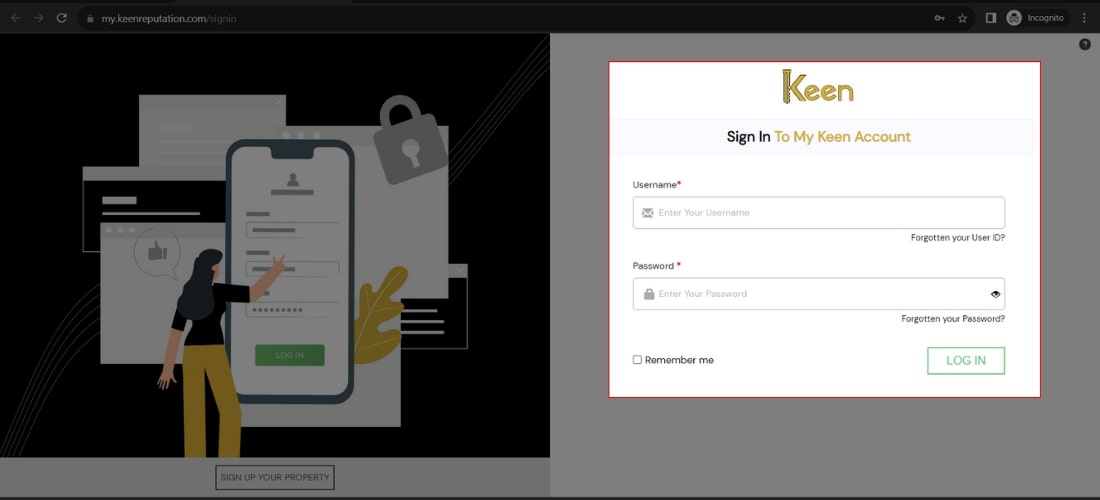
1. Log in to Your Keen™ Reputation Account
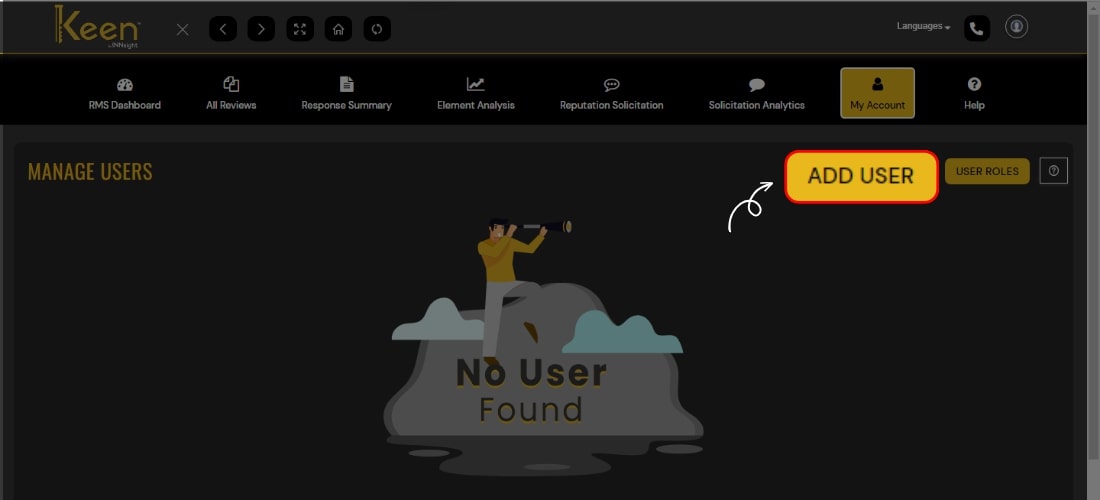
2. Navigate to Manage User under the My Account section.
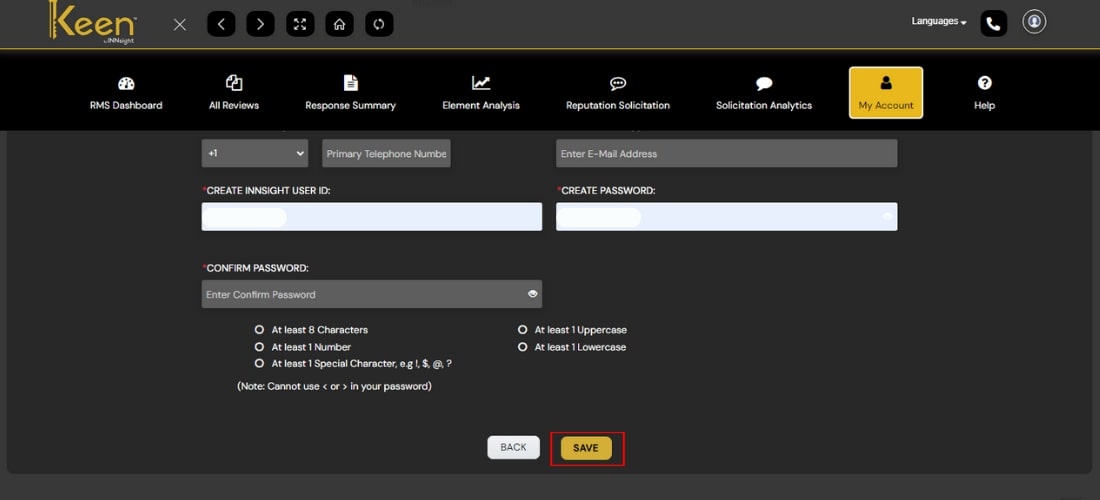
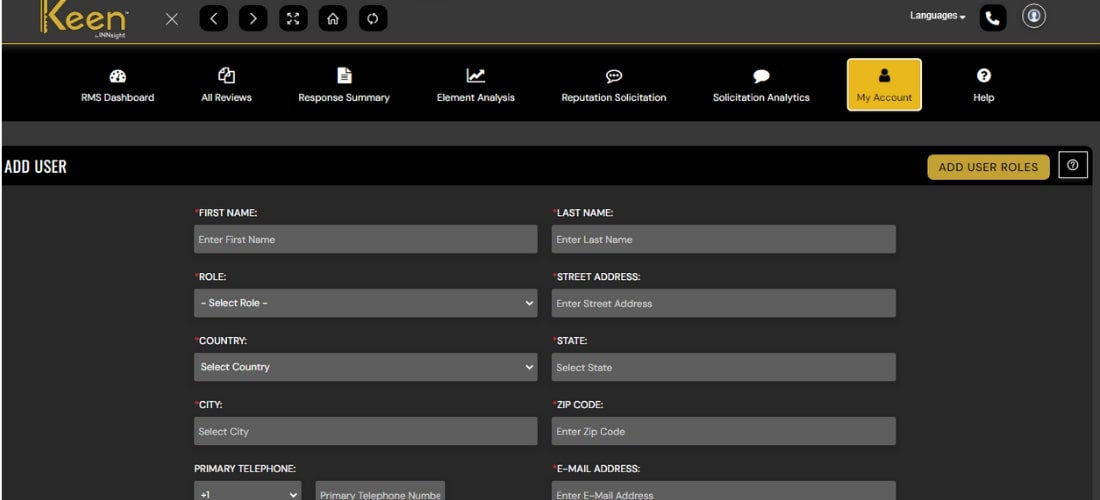
3. To add a user, click 'Add User' on the right side and complete the detailed form, including name, address, email, username, password, etc.
4. Save the user by clicking 'Save.'
5. Manage existing users and their roles effortlessly by clicking on 'User Roles.’
6. Edit or delete user information quickly by selecting the desired action from the action column.