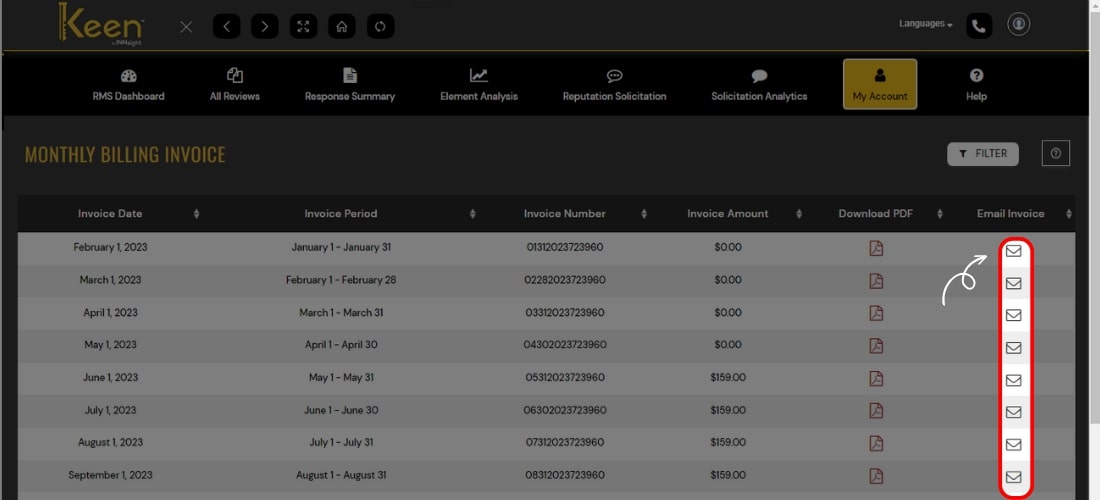
Monthly Billing Invoice
Check comprehensive billing and payment reports such as Invoice details, Invoice period, for a particular period, etc. Download past invoices, track payment history, and Email invoices.
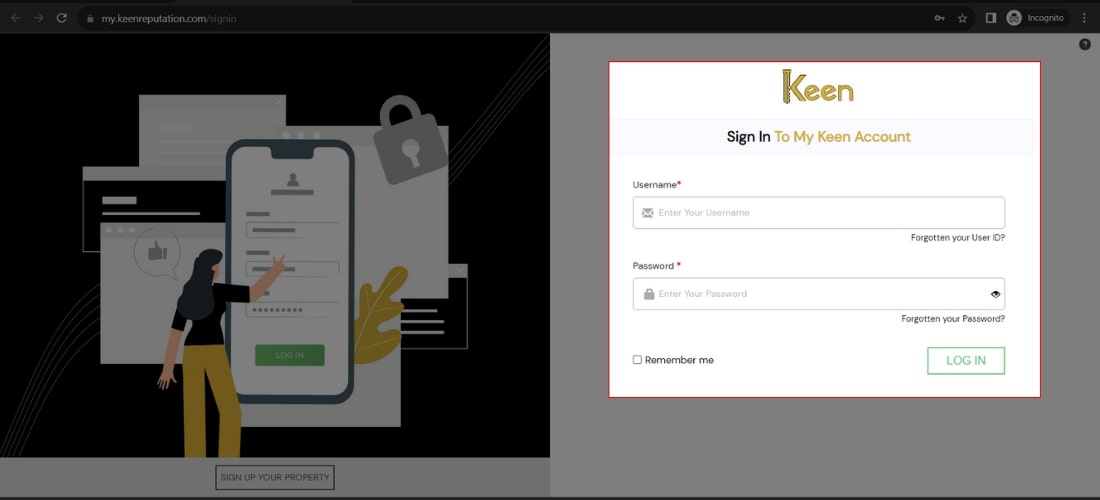
1. Log in to Your Keen™ Reputation Account
Visit the Keen™ Reputation Management website and log in using your account credentials.
Access your dashboard to get started with managing your hotel reviews.
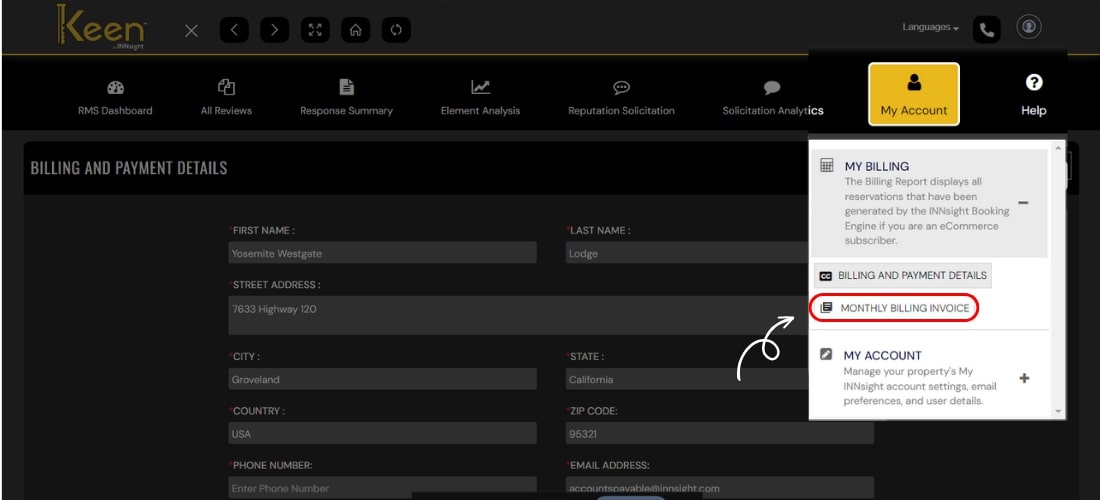
2. Navigate to the My Billing Account tab within the My Account section to manage your billing details.
3. Click on the “Monthly Billing Invoice” option.
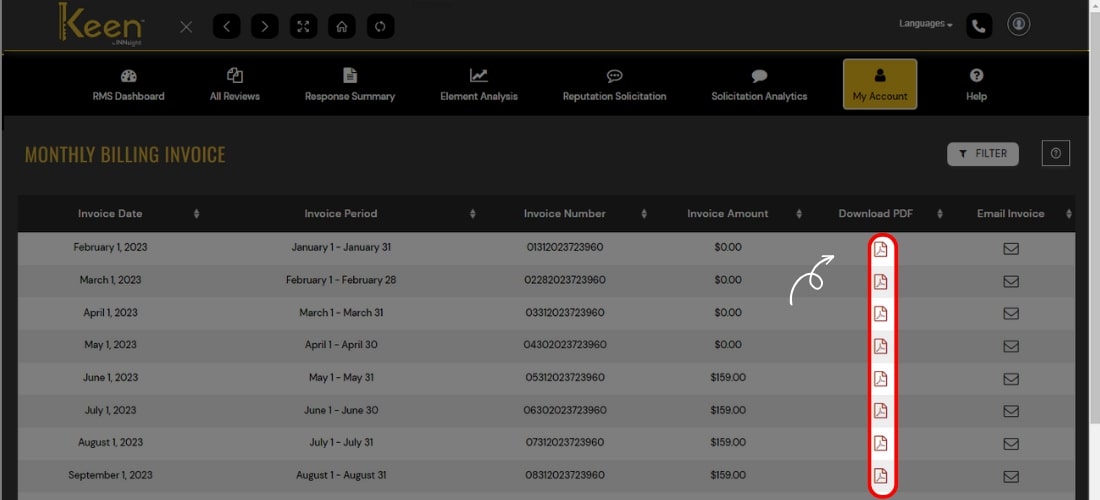
4. Download your monthly billing invoice by clicking on the PDF icon.
5. For an emailed copy of your monthly billing invoice, click on the email icon associated with the selected month and receive it directly in your registered email address.