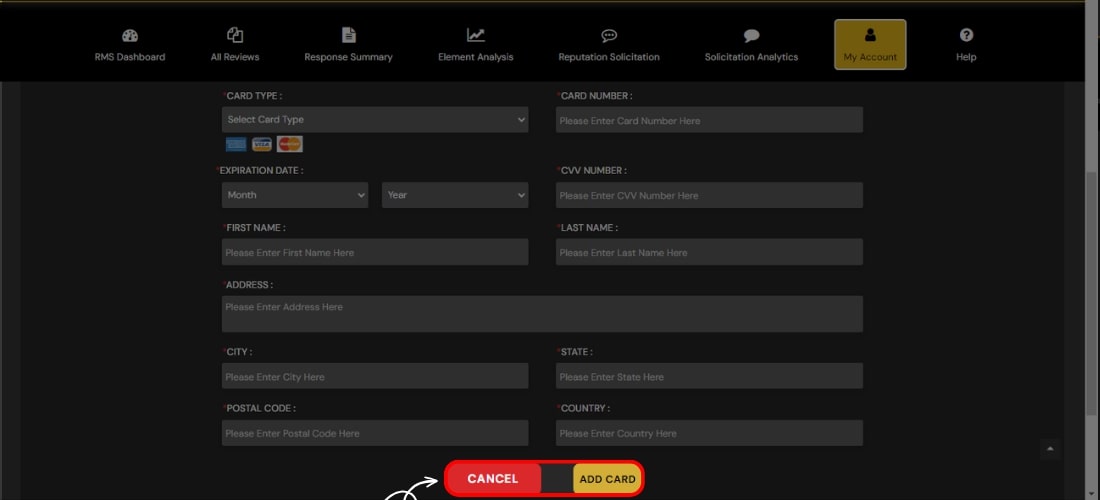
Billing and Payment
Seamlessly edit your Billing and Payment Details. Update payment details, address, credit card details, and many more. Keep your details current with just a few clicks.
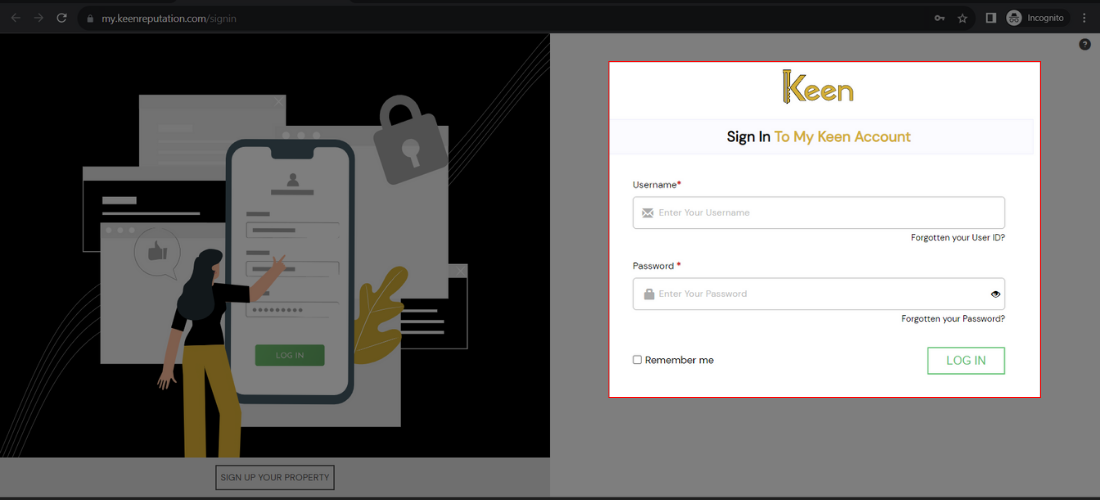
1. Log in to Your Keen™ Reputation Account
Visit the Keen™ Reputation Management website and log in using your account credentials.
Access your dashboard to get started with managing your hotel reviews.
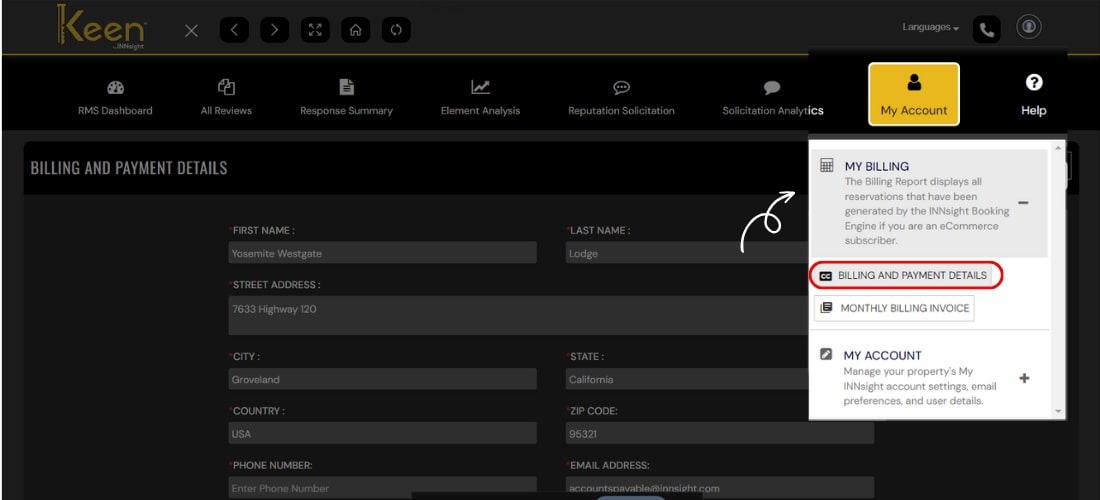
2. Navigate to the My Billing Account tab within the My Account section to manage your billing details.
3. Click on the “Billing and Payment” option.
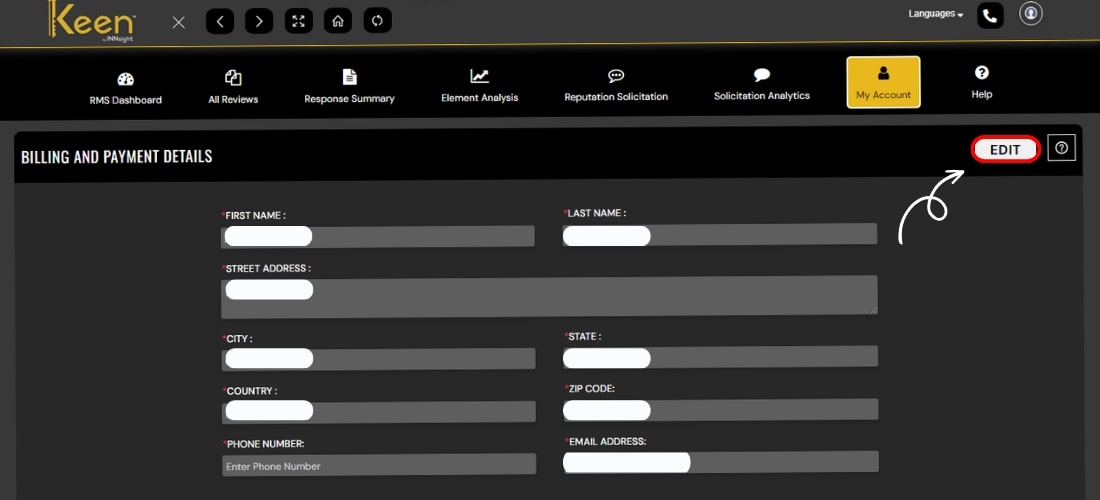
4. To make necessary changes, such as editing the billing email or address, you can do it under Billing and Payment Details by clicking the edit button on the right side corner.
5. Scroll down to the Payment Information section to update or edit your payment details.
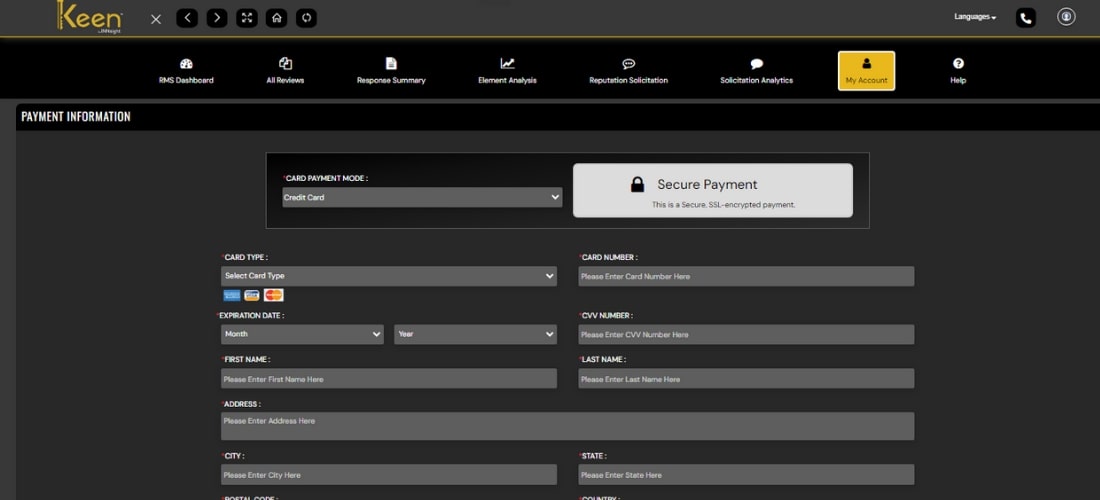
6. To add a payment card, enter your card information and click 'Add Card' to complete the process seamlessly.