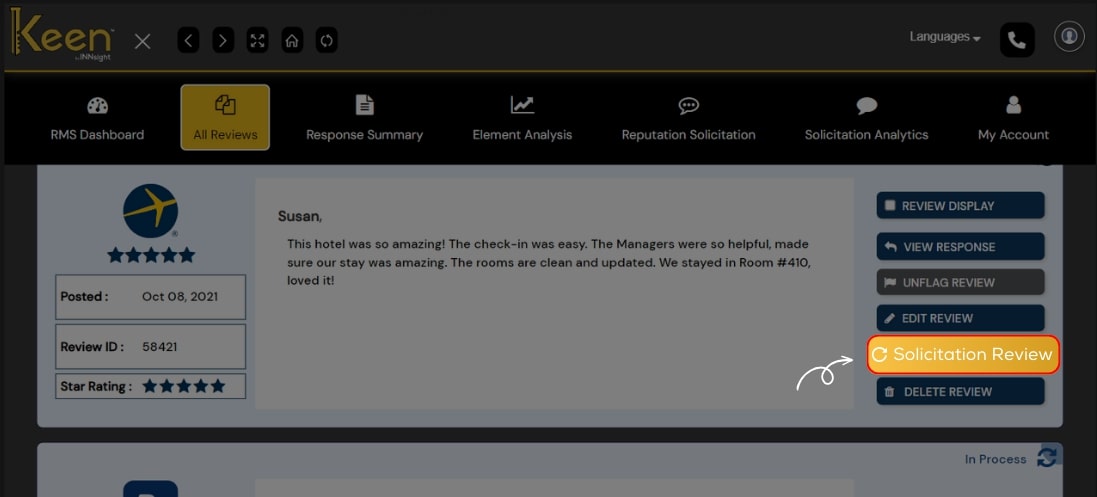
Solicit Review
Initiate positive online interactions with Keen™ Reputation Management.
Solicit reviews from satisfied guests to build a robust online presence and boost your hotel’s credibility.
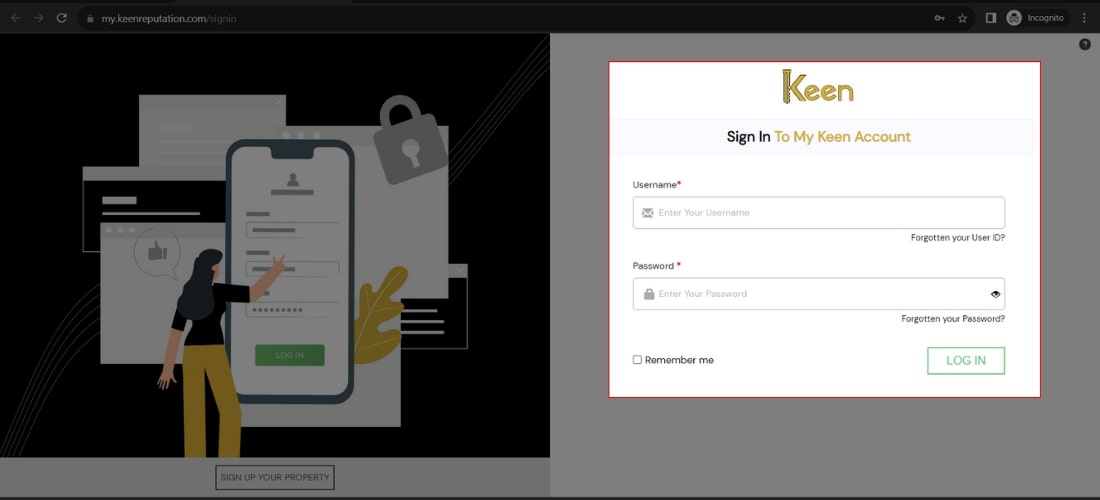
1. Log in to Your Keen™ Reputation Account
Visit the Keen™ Reputation Management website and log in using your account credentials.
Access your dashboard to get started with managing your hotel reviews.
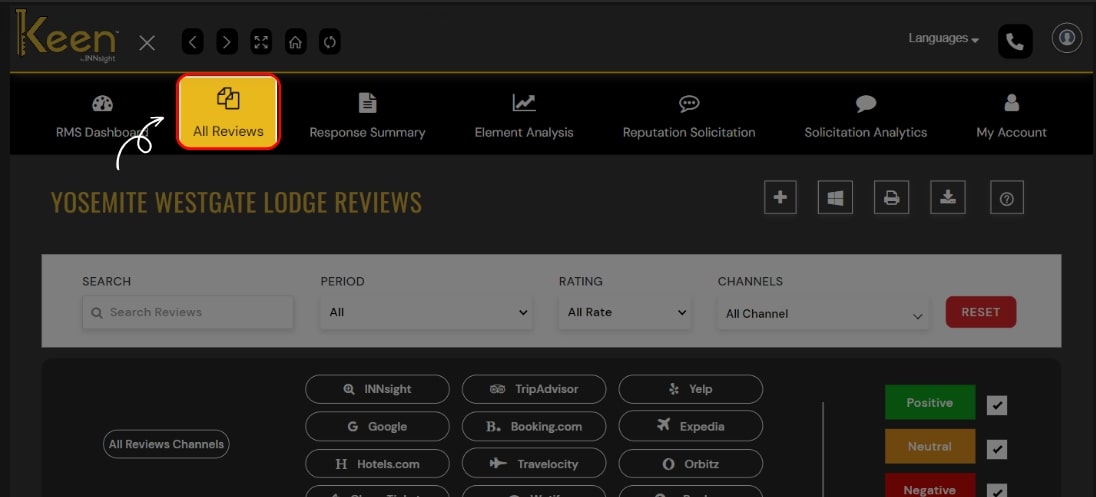
2. Access the All Reviews Tab
From the dashboard, click on the "All Review" tab to view all the hotel reviews you have received. This tab will provide an overview of all the reviews associated with your hotel.
3 Solicit More Reviews
To encourage more reviews from satisfied guests, click "Solicitation Review."
Utilize this feature to send review requests to your customers, inviting them to share their experiences.