Add Review
Amplify your online reputation with Keen™ Reputation Management.
Seamlessly add reviews, cultivating a positive online image that resonates with potential guests.
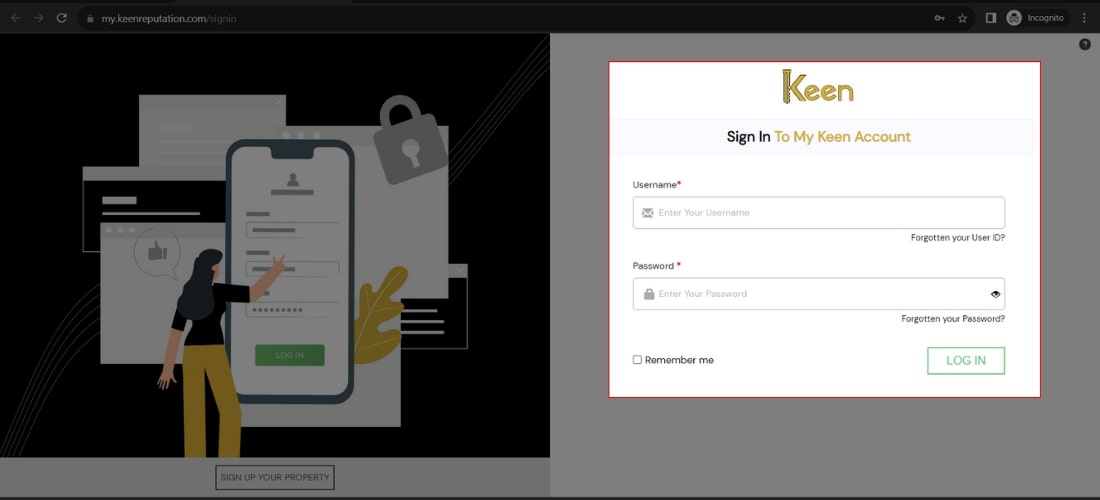
1. Log in to Your Keen™ Reputation Account
Visit the Keen™ Reputation Management website and log in using your account credentials.
Access your dashboard to get started with managing your hotel reviews.
2. Access the All Reviews Tab
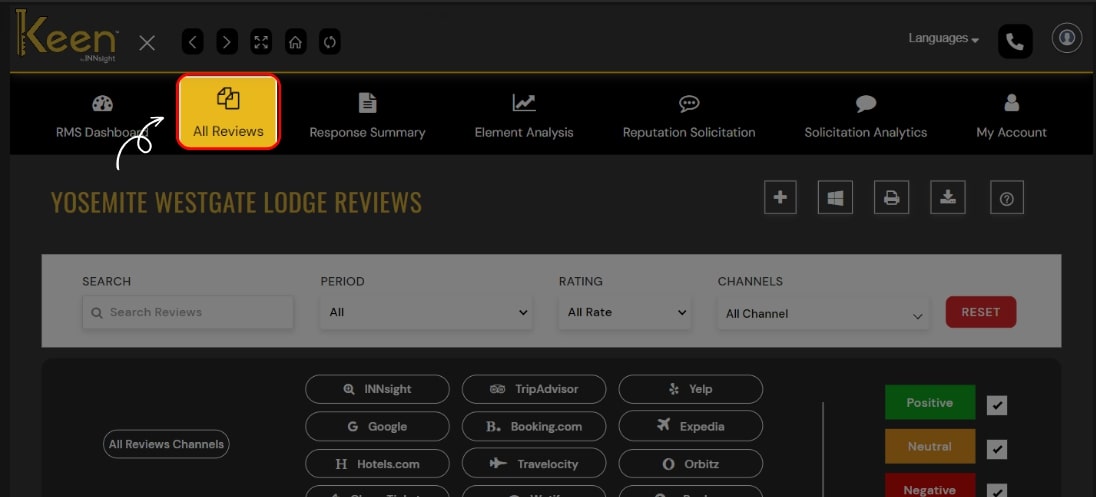
Click the "All Review" tab from the dashboard to view all the hotel reviews you have received.
This tab will provide an overview of all the reviews associated with your hotel.
3. Add a New Review
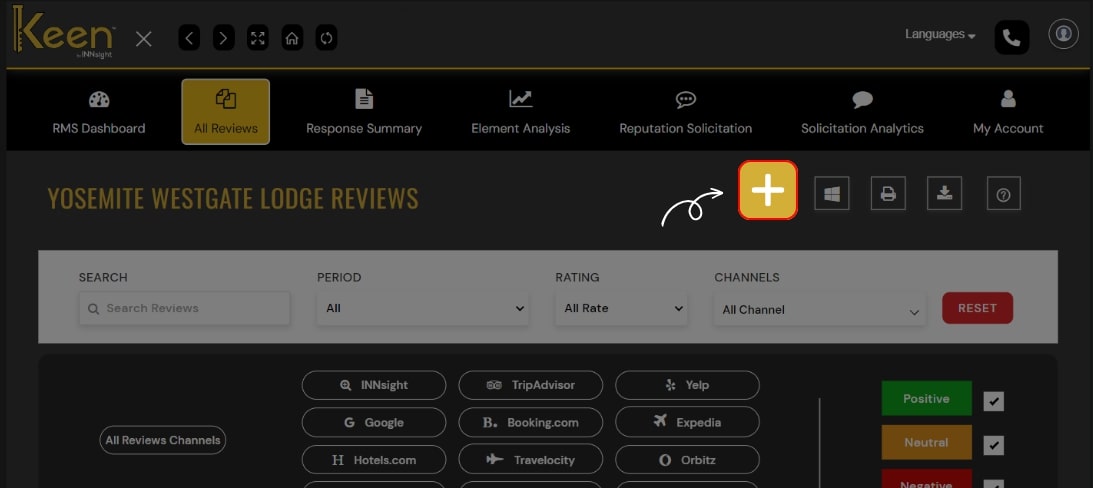
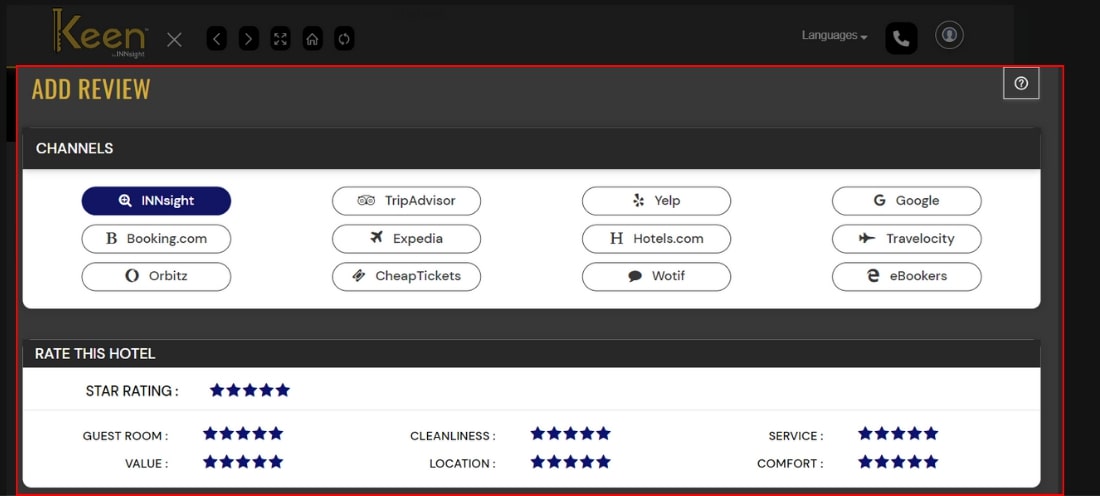
To add a new review, click the "Add" button on the screen's right.
Select the appropriate channel for receiving the review (e.g., TripAdvisor, Google, Yelp, etc.).
Rate the review with the appropriate star rating and complete the necessary details.
Click "Submit" to add the review to your Keen™ Reputation Management dashboard.
4. Edit Reviews (If Necessary)
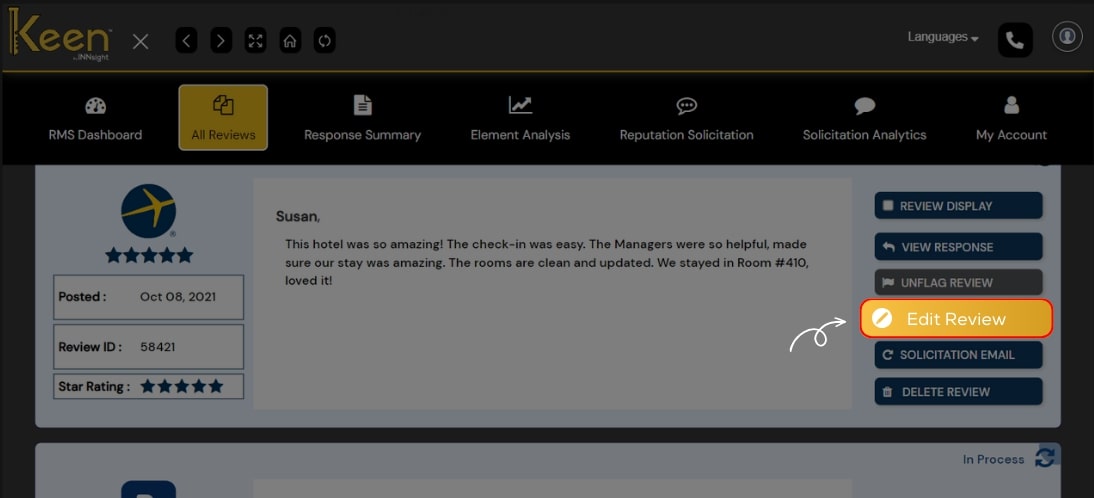
If you need to make changes to a review, click on "Edit Review" for the respective review.
Update the review details as required and save the changes.