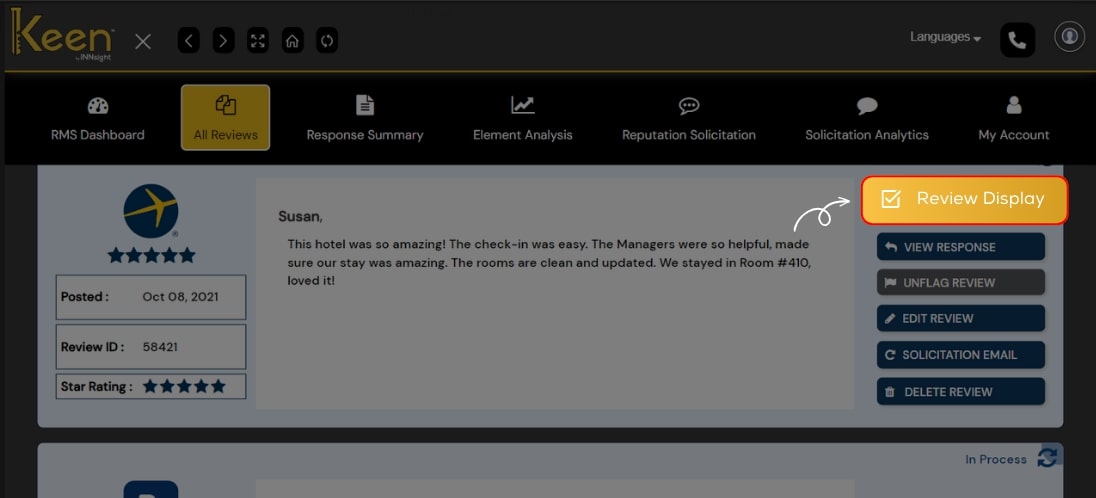
Review Display
Showcase your positive feedback with Keen™ Reputation Management.
Thoughtfully display your best reviews to create a compelling online story that attracts potential guests to your exceptional hotel.
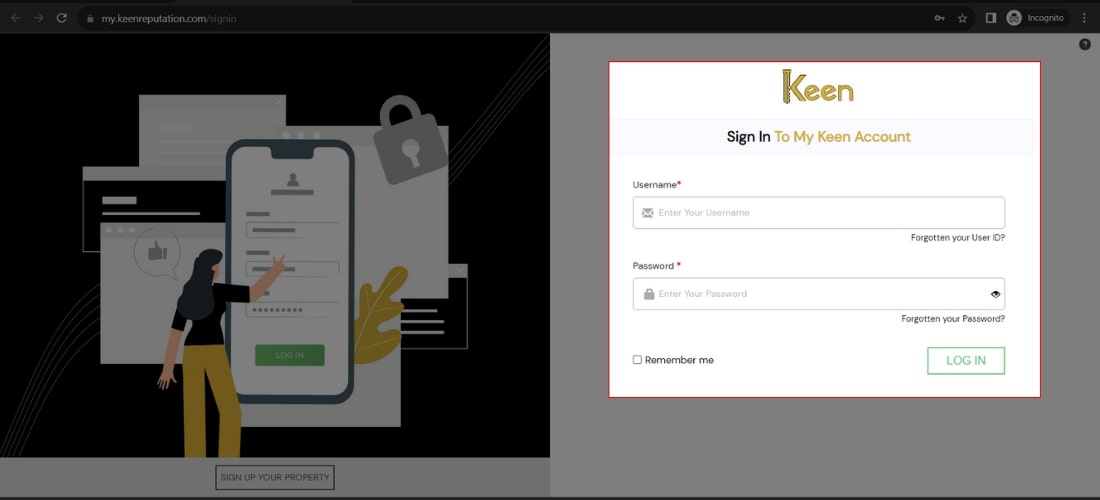
1. Log in to Your Keen™ Reputation Account
Visit the Keen™ Reputation Management website and log in using your account credentials.
Access your dashboard to get started with managing your hotel reviews.
2. Access the All Reviews Tab
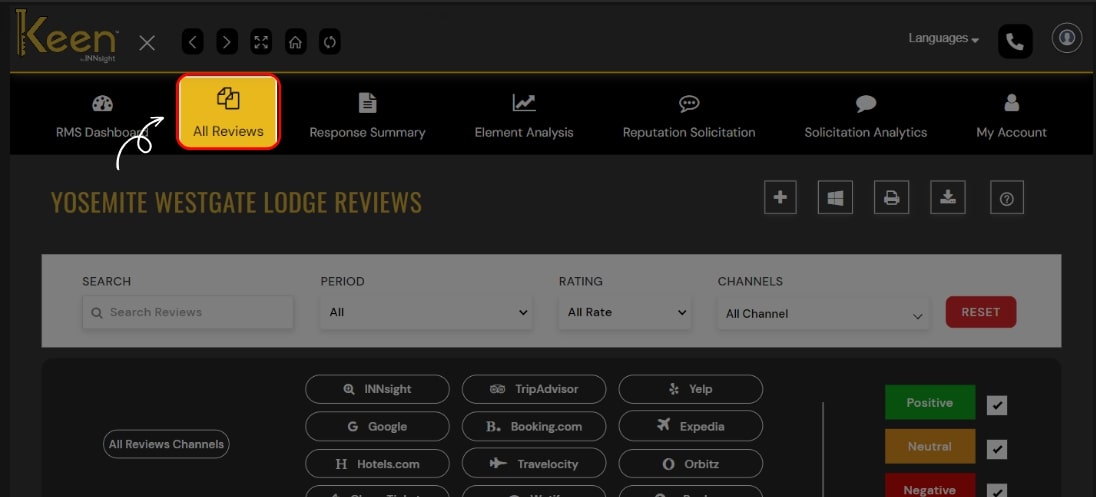
From the dashboard, click on the "All Review" tab to view all the hotel reviews you have received.
This tab will provide an overview of all the reviews associated with your hotel.
3. Display Reviews on Your Website
To showcase a specific review on your hotel's website, click on the "Review Display" option.
Customize the display settings according to your preferences and embed the review on your website for visitors to see.