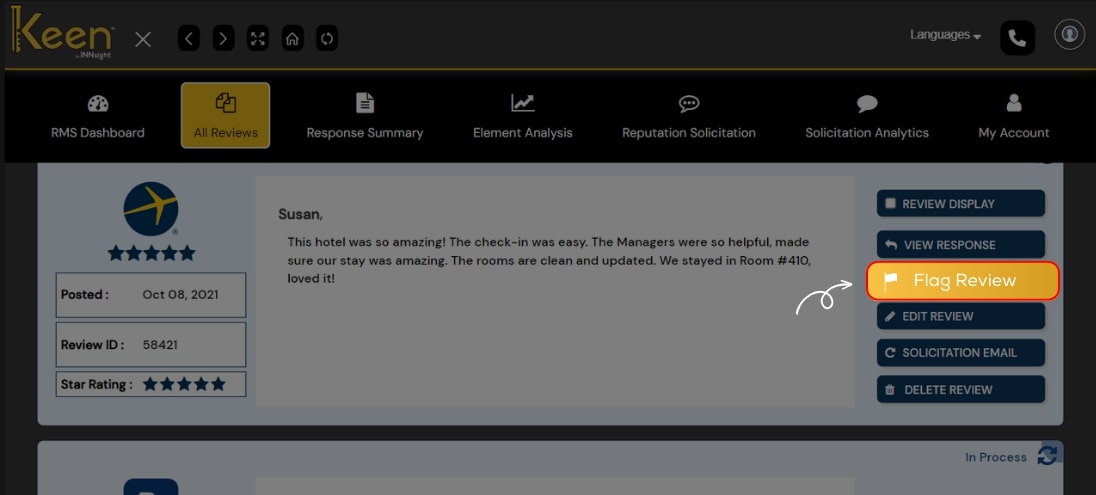
Flag Review
Maintain brand integrity with Keen™ Reputation Management.
Effectively flag reviews that require attention, ensuring your online presence aligns with the values and standards of your business.
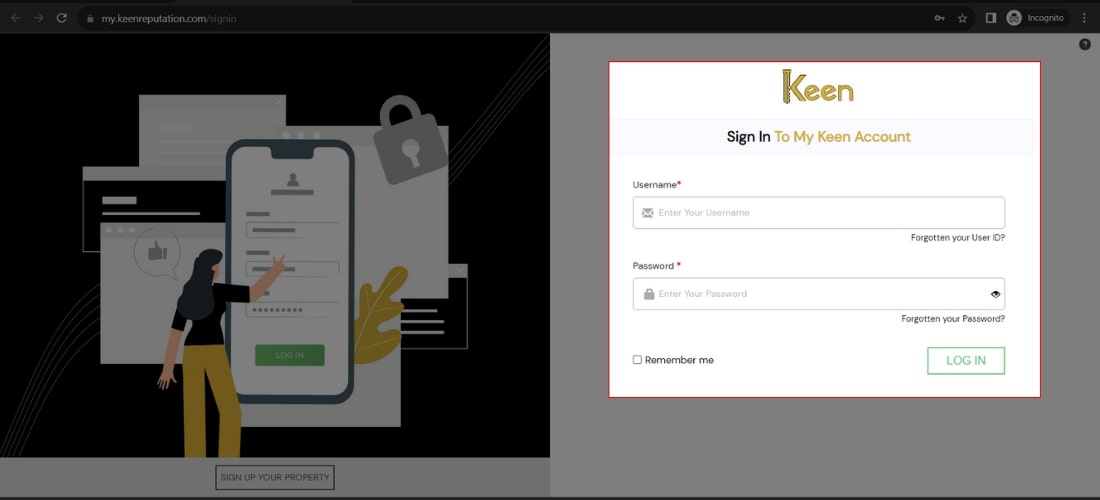
1. Log in to Your Keen™ Reputation Account
Visit the Keen™ Reputation Management website and log in using your account credentials.
Access your dashboard to get started with managing your hotel reviews
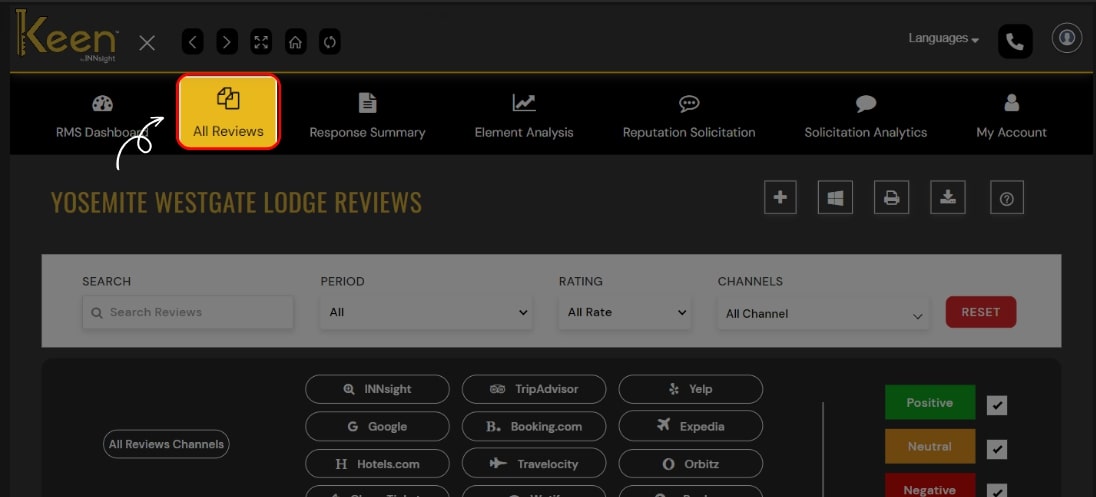
2. Access the All Reviews Tab
From the dashboard, click on the "All Review" tab to view all the hotel reviews you have received. This tab will provide an overview of all the reviews associated with your hotel.
3. Flag Inappropriate Reviews
If you encounter an inappropriate or misleading review, click the "Flag Review" button.
This action will report the review for further investigation by Keen™ Reputation Management.