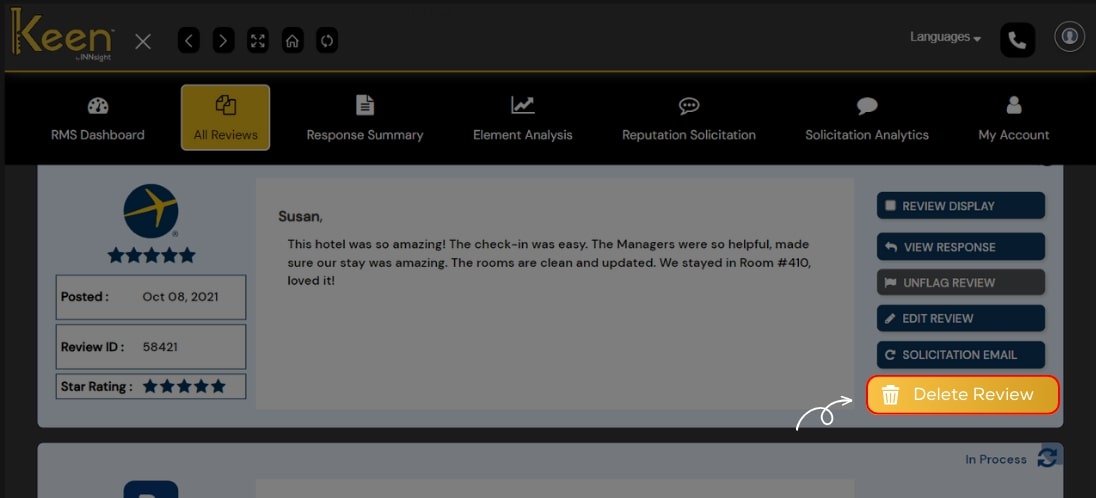
Delete Review
Refine your business narrative using Keen™ Reputation Management.
Delete irrelevant or misleading reviews to maintain a true reflection of your business, fostering trust among your online guests.
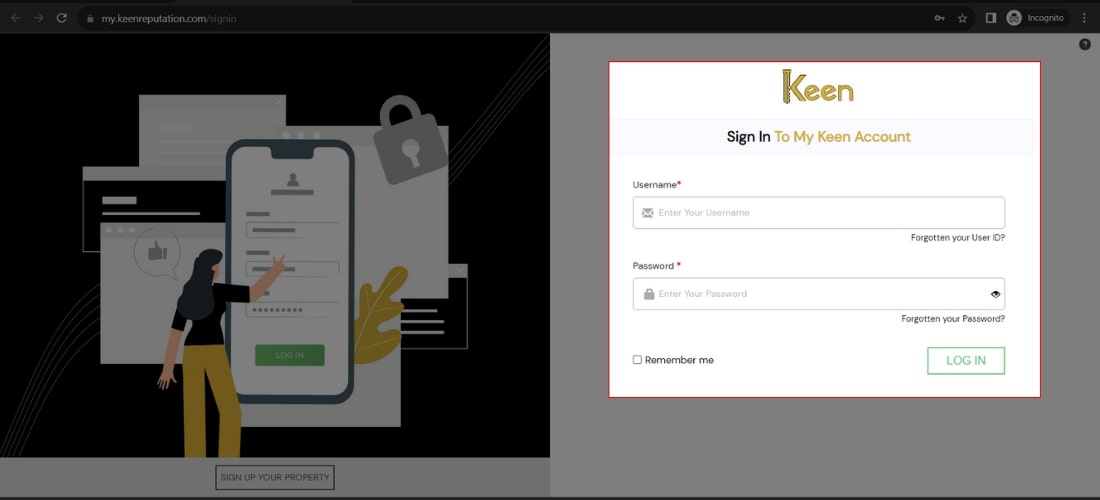
1. Log in to Your Keen™ Reputation Account
Visit the Keen™ Reputation Management website and log in using your account credentials.
Access your dashboard to get started with managing your hotel reviews.
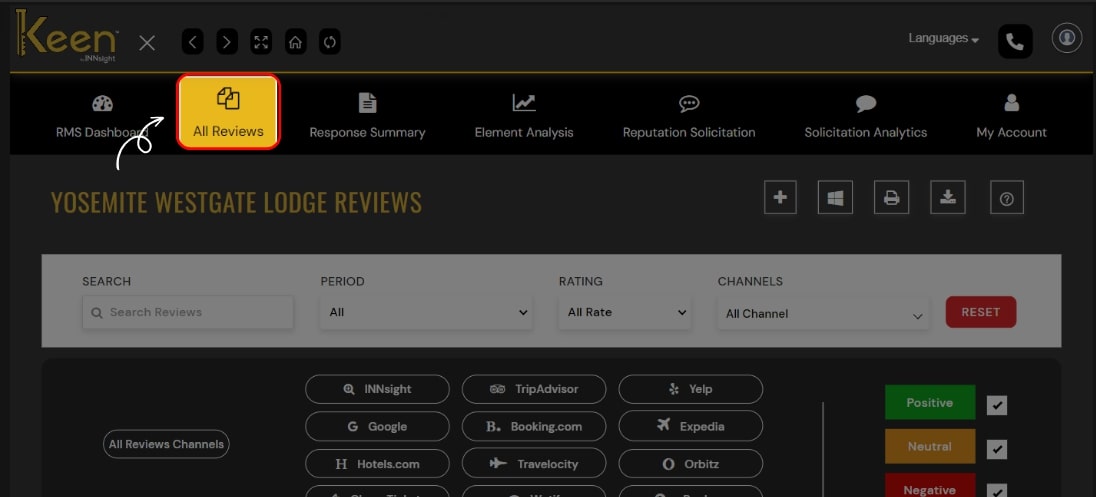
2. Access the All Reviews Tab
From the dashboard, click on the "All Review" tab to view all the hotel reviews you have received. This tab will provide an overview of all the reviews associated with your hotel.
3. Delete Reviews (If Needed)
If you wish to remove a review, locate the review you want to delete and click on "Delete Review."
Confirm the action to permanently remove the review from your Keen™ Reputation Management dashboard.