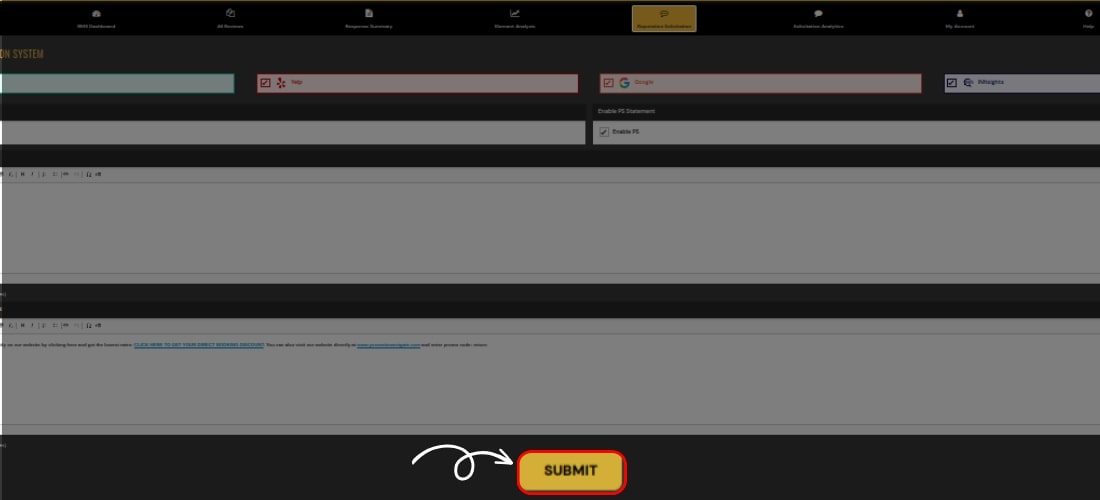
Add Solicitation Email Details
Solicit Reviews via Keen™ Reputation Management
Leverage our user-friendly software to effortlessly send solicitation emails, encouraging satisfied guest to share their positive experiences and enhance your online reputation.
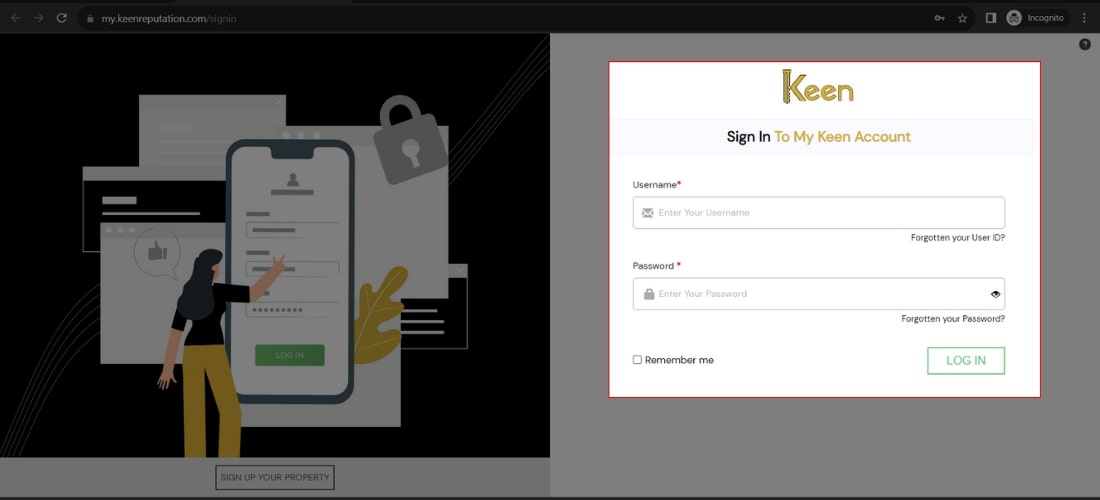
1. Log in to Your My Keen™ Reputation Account
Visit the Keen™ Reputation Management website and log in using your account credentials.
Access your dashboard to get started with managing your hotel reviews.
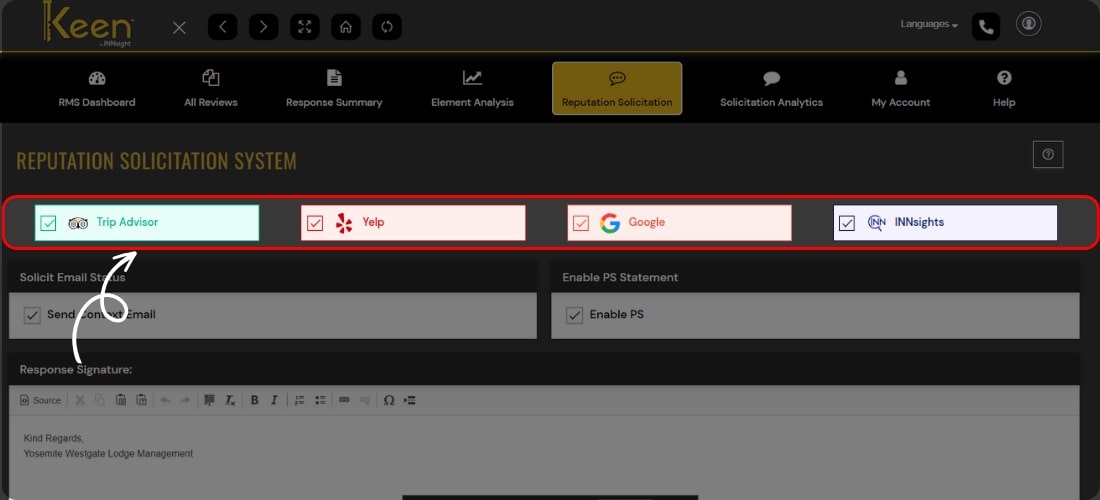
2. Select the Reputation Solicitation Tab
Visit the Reputation Solicitation Tab manually and use the tool to send professional emails, prompting guests to review their hotel stay effortlessly.
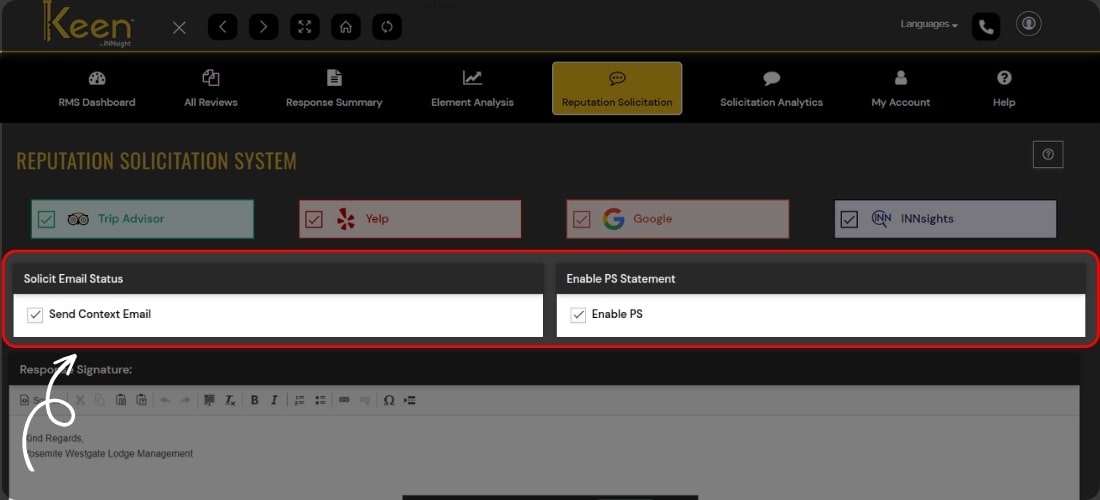
3. Choose Your OTA Platforms on Keen™
Select the platforms that matter most to your business, customizing your online presence for optimal reputation management.
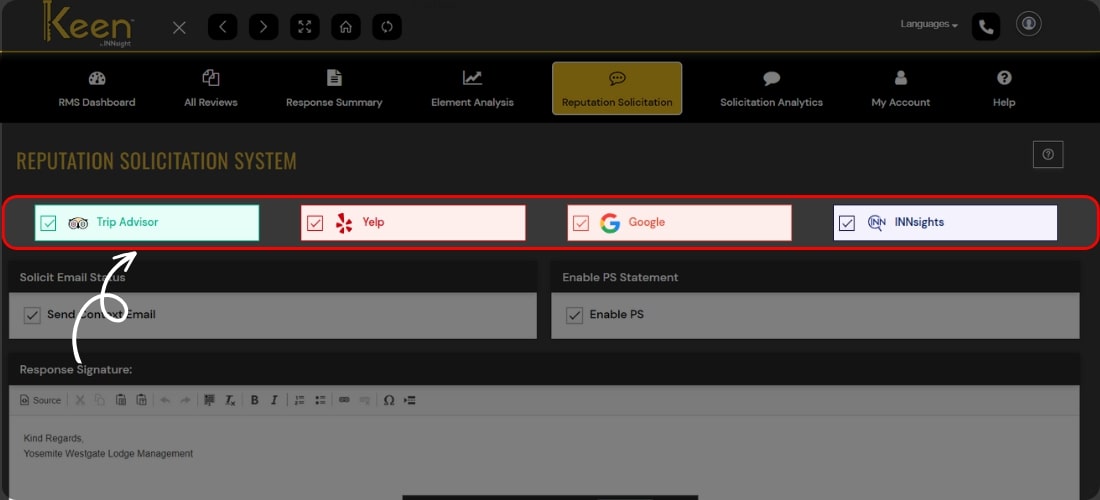
4. Enable Solicitation Email Status and PS Statement
Empower your reviews with Keen™ by activating solicitation emails and adding a personalized PS statement.
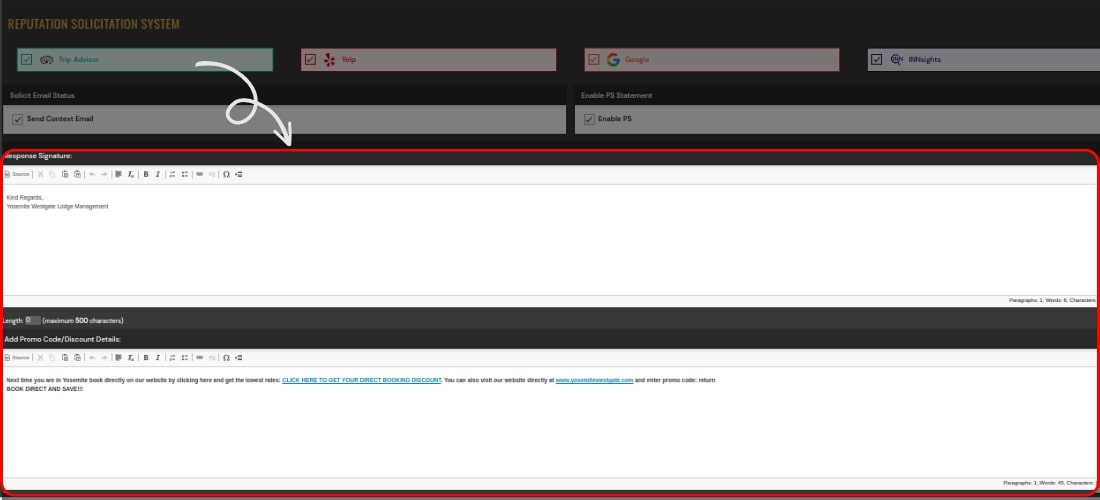
5. Provide Your Signature and Promo Code/Discount Details for Consistency
Add a personal touch to your responses and maintain brand consistency by including your signature in every email, reinforcing your unique identity; also, attract more reviews by sweetening the deal.
6. Click 'Submit' for Effortless Management