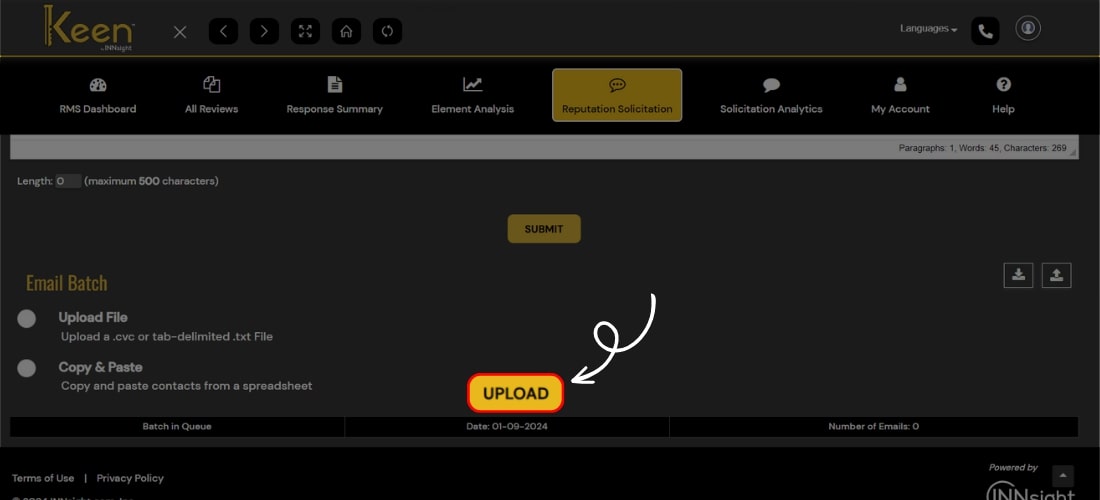
Add Email List
Enhance your online presence effortlessly with Keen™ Reputation Management software.
Quickly boost your hotel's reputation by importing guest email addresses in CSV format, triggering automated review solicitation emails to gather valuable feedback on chosen review platforms.
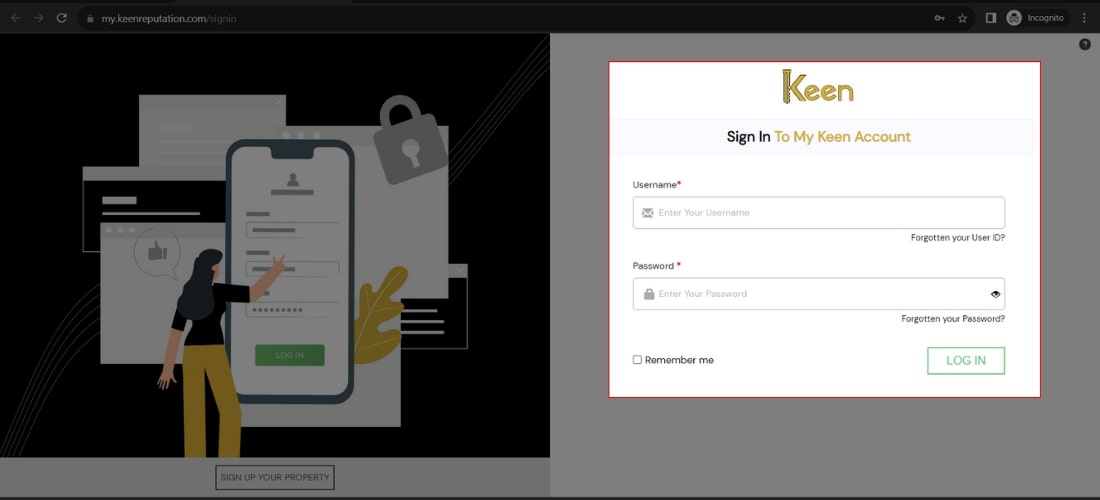
1. Log in to Your Keen™ Reputation Account
Visit the Keen™ Reputation Management website and log in using your account credentials.
Access your dashboard to get started with managing your hotel reviews.
2. Unlock review solicitation on Keen™
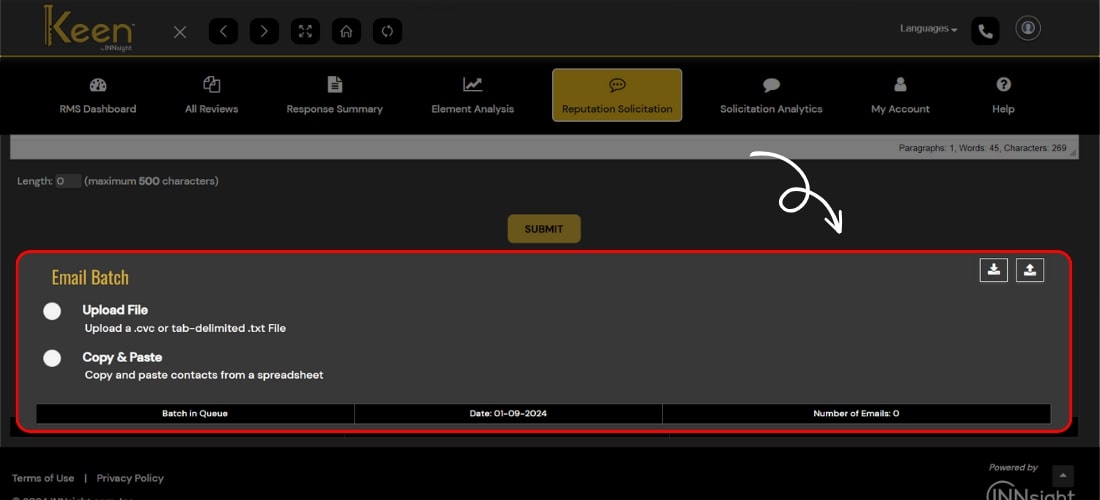
Visit the Reputation Solicitation Tab manually and use the tool to send professional emails, prompting guests to review their hotel stay effortlessly.
3. Navigate to the Email Batch section by scrolling down the page.
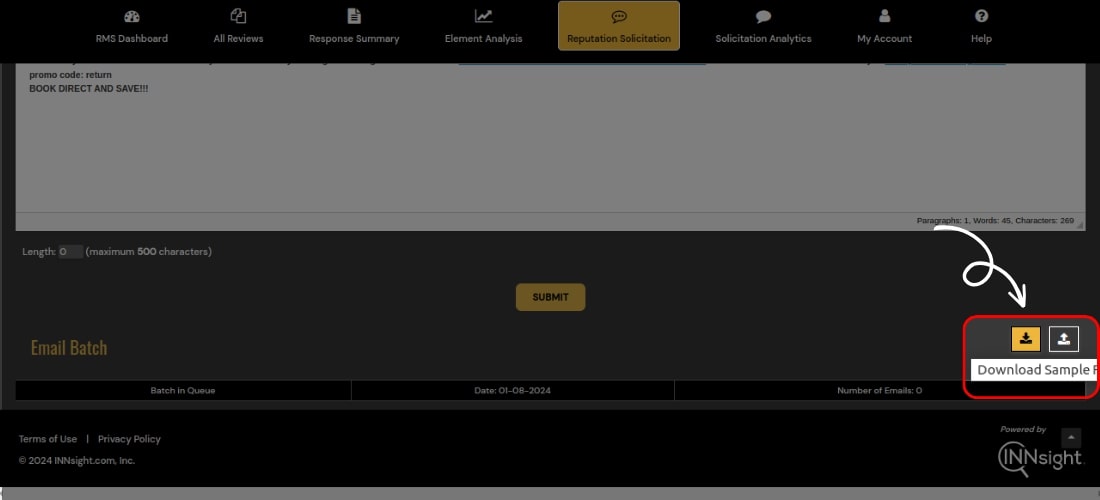
4. Download the sample file by clicking the designated download button to ensure the correct format.
5. Choose your preferred method
Upload the file by clicking the upload button and selecting the "Upload File" option.
Paste the email addresses directly.
6. After adding the email list, click the "Upload" button to finalize the process.