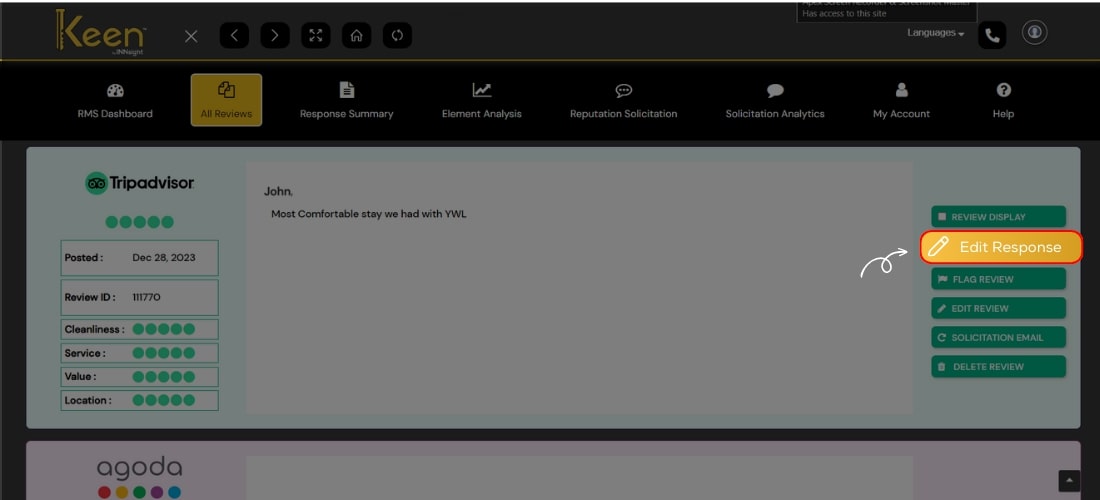
Edit Responses
Edit Response with Keen™ Reputation Management.
You can customize your replies as needed, making sure your responses are tailored to your business's unique voice and maintaining a personalized connection with your guests.
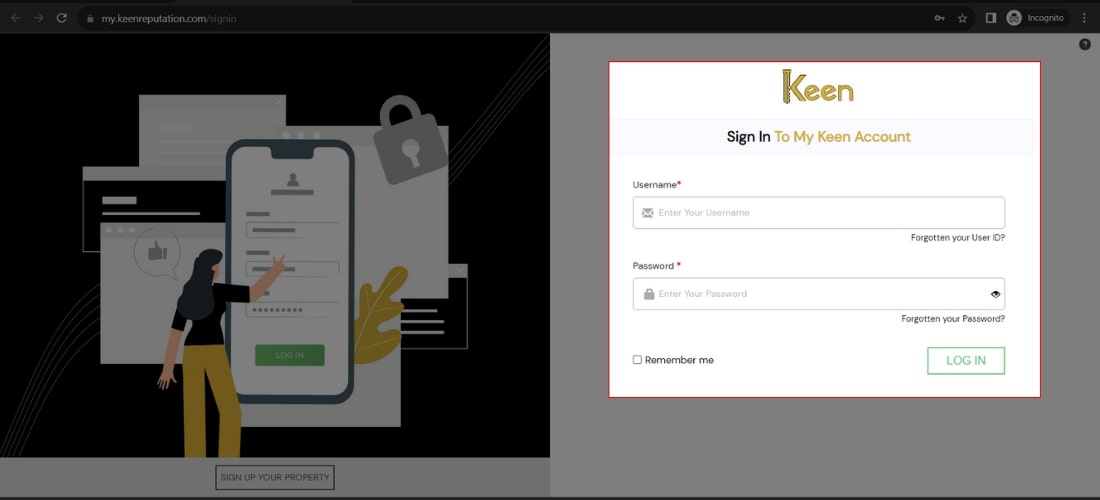
1. Log in to Your Keen™ Reputation Account
Visit the Keen™ Reputation Management website and log in using your account credentials.
Access your dashboard to get started with managing your hotel reviews.
2. Access the All Reviews Tab
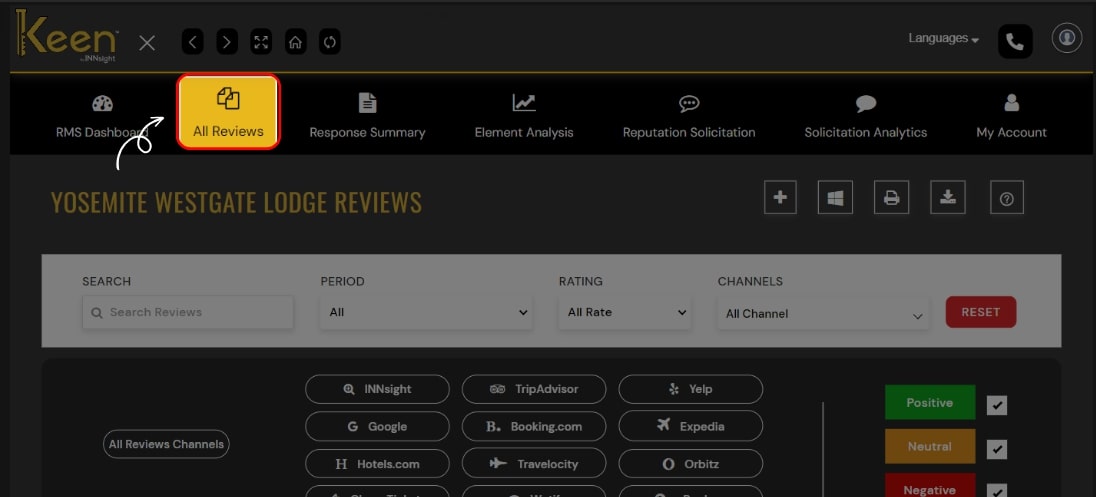
From the dashboard, click on the "All Review" tab to view all the hotel reviews you have received. This tab will provide an overview of all the reviews associated with your hotel.
3. Click on Edit Response button
Identify the review response you want to modify and find the "Edit Response" button. Click this button to make any necessary changes or updates to your initial reply.