Add Responses
Add Response to Keen™ Reputation Management.
Effortlessly engage with reviews using pre-populated responses tailored to each review's attributes, streamlining your communication and saving time and effort.
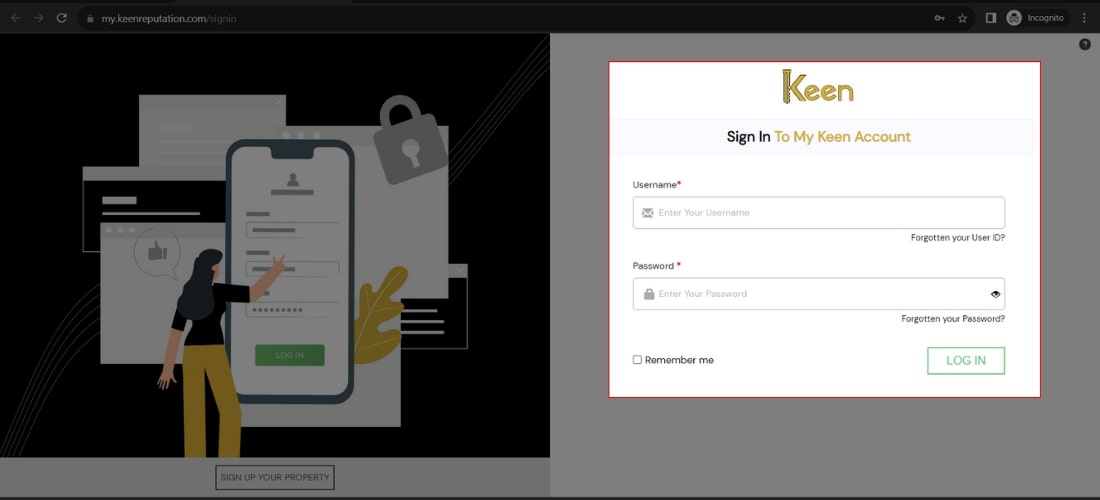
1. Log in to Your Keen™ Reputation Account
Visit the Keen™ Reputation Management website and log in using your account credentials.
Access your dashboard to get started with managing your hotel reviews.
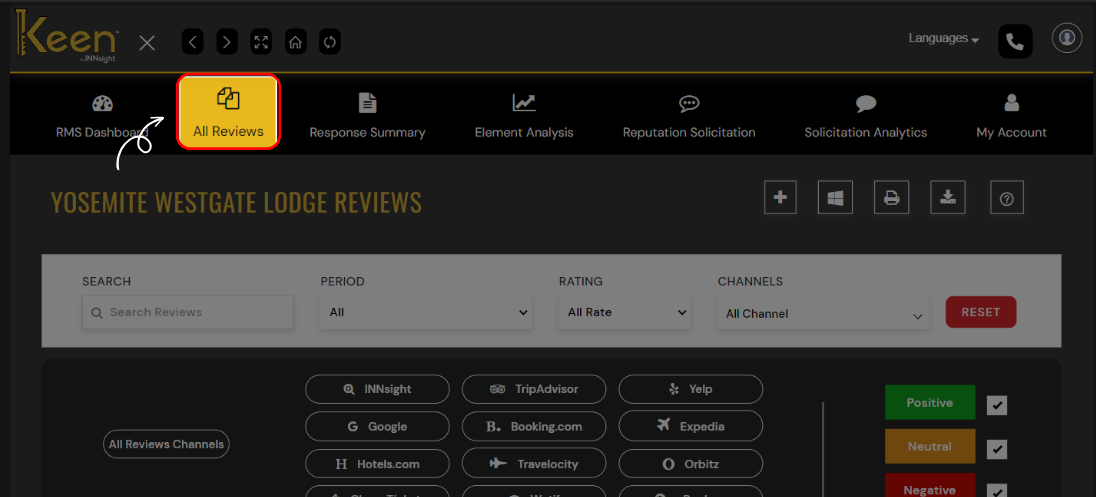
2. Access the All Reviews Tab
From the dashboard, click on the "All Review" tab to view all the hotel reviews you have received. This tab will provide an overview of all the reviews associated with your hotel.
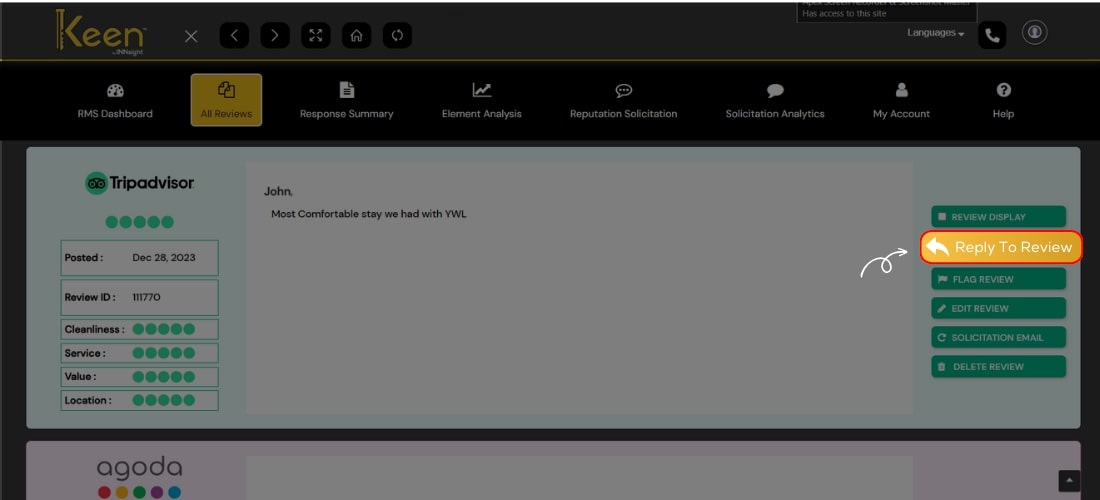
3. Click on Reply to Review button
Navigate to the specific review you wish to respond to and locate the "Reply to Review" button.
Click this button to engage with and reply to the respective hotel review.