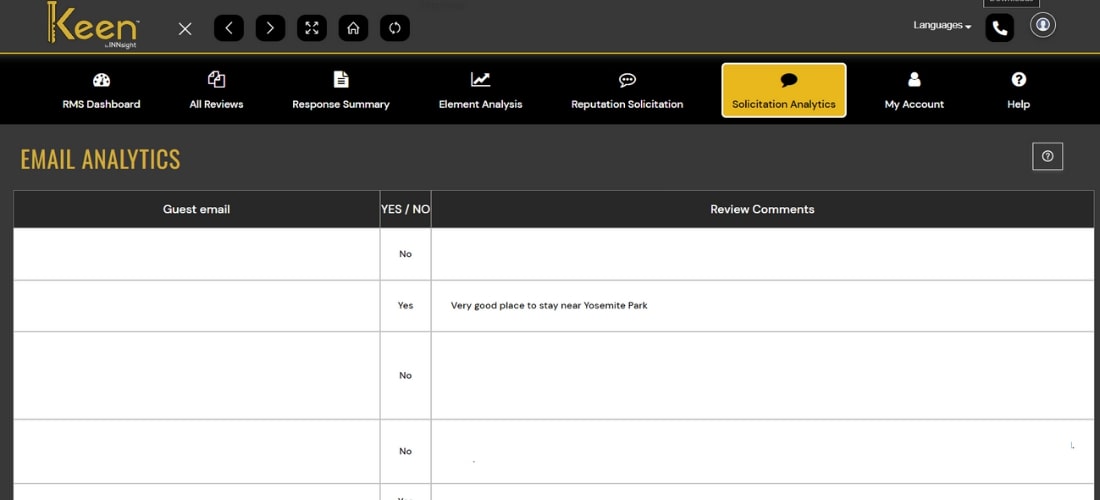
Email Analytics
Keen™ Reputation Account automatically sends review solicitation emails to guests post-checkout, encouraging them to share valuable feedback about their stay with us.
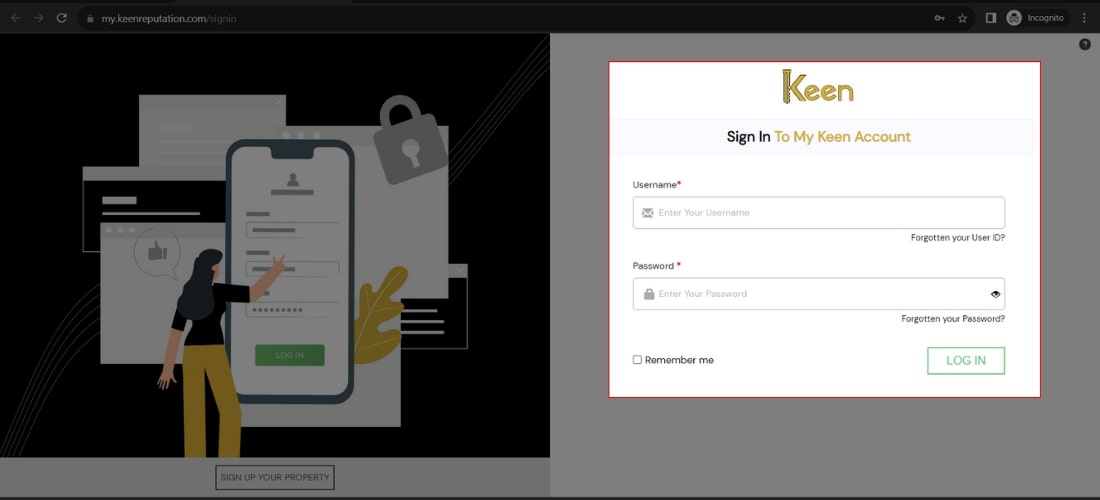
1. Log in to Your Keen™ Reputation Account
Visit the Keen™ Reputation Management website and log in using your account credentials.
Access your dashboard to get started with managing your hotel reviews.
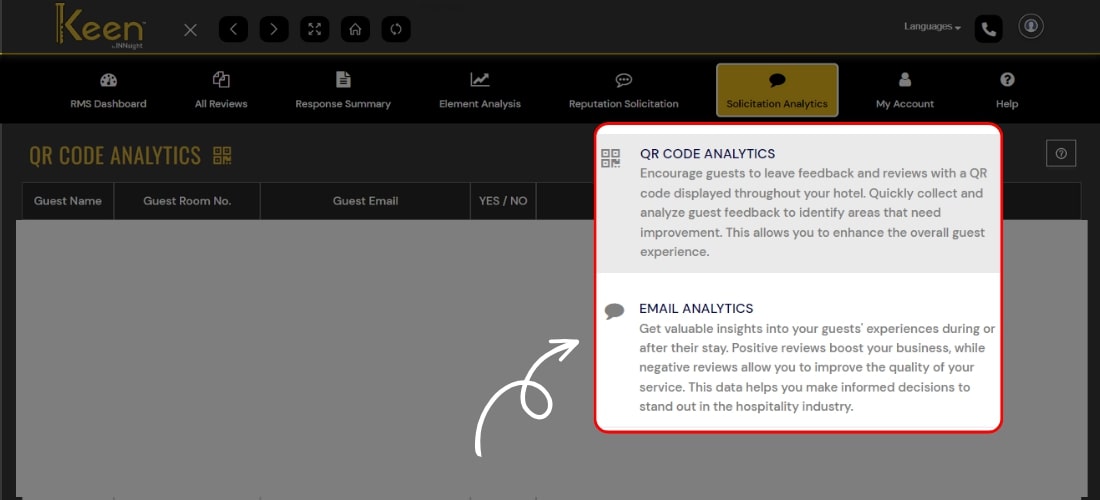
2. Select the Solicitation Analytics section and click the Email Analytics tab.
3. Discover guest feedback through email, where you can view their email and read about their experience during their stay.